
Smart Home Wiring: What to Run Before Drywall Goes Up
Building or remodeling in Los Angeles? Here is exactly what smart home wiring and structured infrastructure you must rough in before sheetrock seals your walls forever.
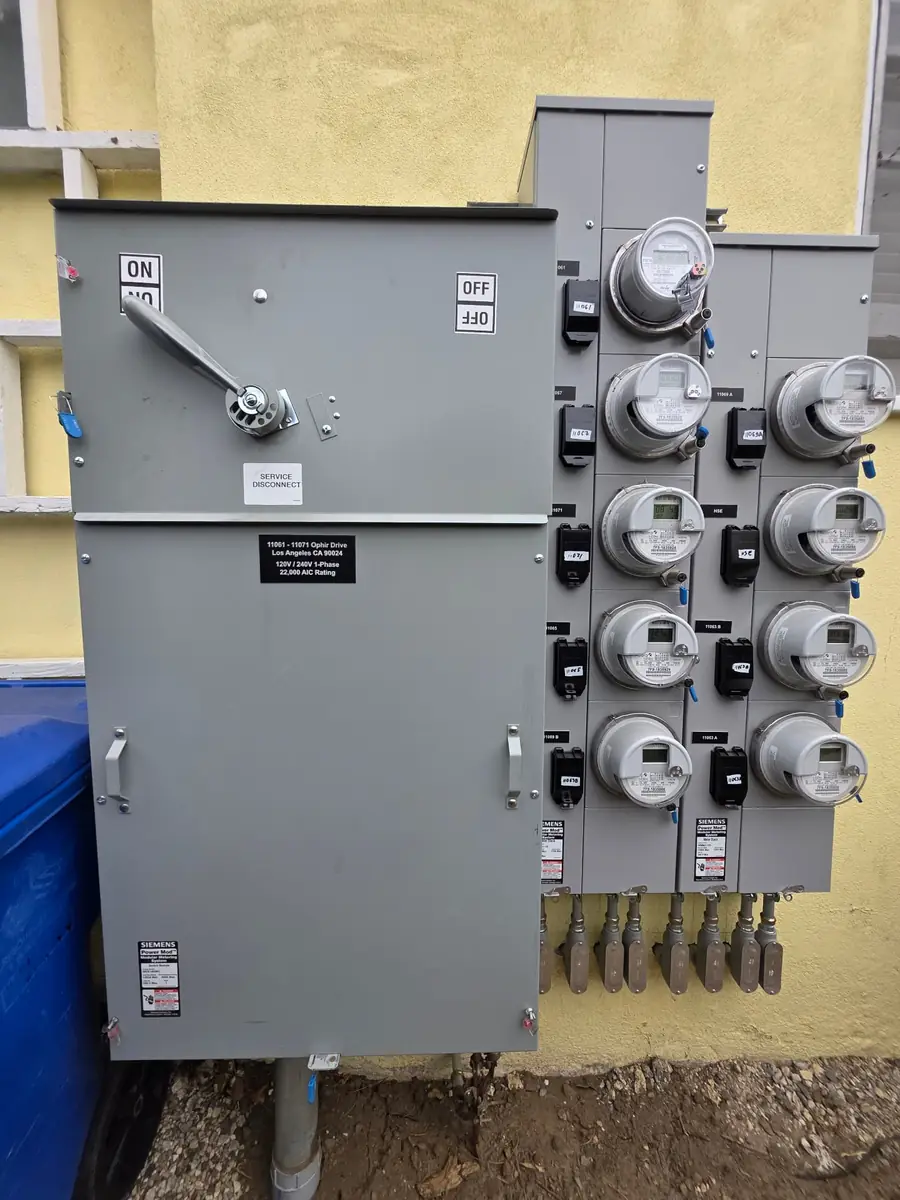
Once the drywall screws bite into the studs and the tapers start their work, your walls become sealed vaults. If you forgot a network drop in your home office, a dedicated line for security cameras, or neutral wires for your lighting controls, fixing it later means tearing through pristine paint, drilling blind through fire blocks, and running up costly repair bills.
Planning your smart home wiring during the rough-in stage is the single most cost-effective decision you can make during a custom build, ADU addition, or major remodel. Here across Los Angeles—from hillside renovations in Studio City and Pasadena to modern builds in Santa Monica—we regularly get called to fix smart systems that bog down because the homeowner relied purely on Wi-Fi or missed essential low-voltage drops before the insulation went in.
Here is an electrician’s guide to what needs to run between your studs before the sheetrock crew shows up.
Why Smart Home Wiring Belongs in the Rough-In Stage
Many homeowners assume they can buy smart plugs and battery-powered gadgets down the road. While wireless protocols like Zigbee, Z-Wave, and Thread have come a long way, every robust wireless network requires a rock-solid, physical copper backbone.
The Cost Difference: Open Studs vs. Finished Walls
Running wire when the wall framing is exposed takes minutes per run. An apprentice can drill through studs, pull continuous spools of cable, install back boxes, and label both ends cleanly. Doing that same run after drywall requires drywall cutouts, navigating horizontal fire blocks mandated by California building codes, fishing lines around insulation batts, and patching plaster or sheetrock afterward. Rough-in wiring typically costs 70% to 80% less per run than post-drywall retrofits.
Wi-Fi Congestion in Dense LA Neighborhoods
In densely populated areas like West Hollywood, Glendale, or Downtown Los Angeles, radio-frequency interference is intense. Dozens of overlapping neighbor routers compete for 2.4 GHz and 5 GHz bandwidth. If your security cameras, video doorbells, smart TVs, and streaming boxes all battle on Wi-Fi, latency spikes, streams drop, and smart automations fail. Hardwiring high-draw hardware frees up your wireless spectrum for laptops, phones, and tablets.
The Core Structured Wiring Installation Checklist
A proper structured wiring installation brings all your home’s data, video, and communication cables back to a central low-voltage distribution enclosure—often placed in an interior utility closet, mechanical room, or laundry area away from heat and moisture.
1. Ethernet Wiring Home: Cat6A to High-Demand Zones
Do not rely on older Cat5e. We specify Cat6 or shielded Cat6A for modern residential construction to support 10-Gigabit speeds over long runs. Make sure to pull cables to:
- Home office desks: Run two Cat6A lines per workstation for zero-latency workstations and network-attached storage.
- TV media locations: Two data drops behind every TV bracket (one for the smart TV/streaming box, one for gaming consoles or audio receivers).
- Ceiling access points (PoE): Modern multi-story homes or sprawling ranch layouts in Encino and Sherman Oaks need hardwired ceiling wireless access points (WAPs) on each floor to provide seamless roaming.
- Outdoor security perimeters: Cat6 runs to soffits and eaves let you install Power over Ethernet (PoE) security cameras. PoE delivers both power and data on a single cable without needing an electrician to mount an exterior 120V outlet.
2. Neutral Wires and Deep Junction Boxes for Smart Switch Installation
Under current National Electrical Code (NEC) guidelines adopted in California, neutral wires are required in switch boxes. However, older homes being remodeled often lack them. For any new smart switch installation (Lutron Caséta, Leviton Decora Smart, or smart dimmers), neutrals are mandatory to keep the internal wireless radios powered when the lights are turned off.
Pro-tip from our field crews: Ask your contractor to install deep junction boxes (at least 2.5 to 3.5 inches deep) or plastic boxes with side car extensions. Smart switches, dimmers, and companion remotes have bulky internal electronics. cramming them into shallow, standard metal boxes with wire nuts leads to pinched wires, ground faults, and broken faceplates.
3. Low-Voltage Conduit (Smurf Tube) to Key Zones
Technology changes every decade, but a continuous conduit run never goes obsolete. We install 1-inch or 1.5-inch flexible ENT conduit ("smurf tube") between your media wall and your central media cabinet, as well as an empty run from the attic to the crawlspace or basement. If fiber-optic standards evolve or you want to pull future 8K HDMI leads, you can pull new cabling in ten minutes without cutting sheetrock.
4. Hardwired Power for Motorized Shades and Smart Glass
Battery-powered smart blinds are noisy, bulky, and require ladder climbs every six months to swap batteries. Running low-voltage wiring (typically 16/2 or 16/4 gauge) from window headers back to a low-voltage power panel allows you to install whisper-quiet, architectural motorized shades that integrate directly with smart home scenes.
| Feature | Wireless / Retrofit Approach | Structured Rough-In Approach | | :--- | :--- | :--- | | Reliability | Drops connection with RF interference | 99.9% uptime via solid copper | | Aesthetics | Visible battery packs, wall warts, exposed cords | Recessed plates, concealed wiring | | Bandwidth | Shared wireless spectrum; subject to lag | Dedicated 10 Gbps per Cat6A run | | Labor Cost | Expensive post-drywall fishing and drywall repair | Minimal labor during open-wall rough-in | | Smart Shades | Replace batteries every 4–9 months | Maintenance-free hardwired low-voltage |
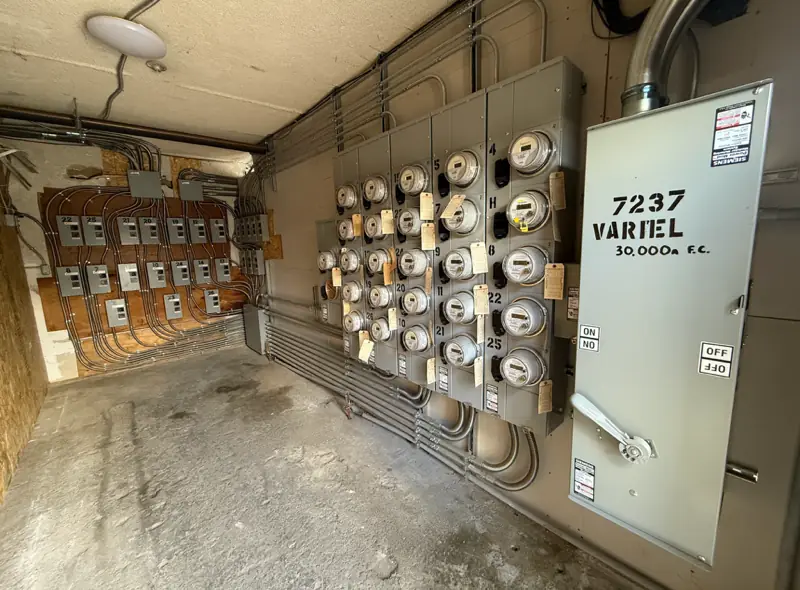
Don't Forget the High-Voltage Backbone: Panels and Loads
Smart systems do not operate in a vacuum. Your high-voltage electrical infrastructure must support the increased automation and electrification sweeping Southern California.
Smart Electrical Panels
If you are planning home batteries, solar, or dynamic load management, rough-in is the time to evaluate a smart electrical panel (like Span) or install smart energy-monitoring subpanels. These allow you to shed non-essential loads automatically during peak Edison or LADWP rate windows or when running off backup batteries.
Dedicated High-Voltage Circuits
Ensure your rough-in plan accounts for high-draw modern demands:
- 50-amp dedicated lines for Level 2 EV charging in the garage or carport.
- Dedicated 20-amp circuits for your central low-voltage network rack, uninterruptible power supply (UPS), and audio-video equipment racks.
- Dedicated circuits for heat pump HVAC systems and induction cooktops to meet California Title 24 energy standards.
Check out our specialized electrical services to see how we coordinate low-voltage smart rough-ins with main panel service upgrades.
Signs You Should Not Wait on Pre-Drywall Decisions
If your construction schedule is moving forward, you cannot afford to delay low-voltage decisions. Contact your electrician immediately if:
- Insulation inspection is scheduled within 7 business days: Once insulation batts or spray foam go into stud cavities, pulling structured wiring becomes messy, destructive, and significantly more expensive.
- Your architectural plans do not include a dedicated low-voltage plan: Many standard blueprints omit low-voltage drops, assuming the homeowner will hire an AV technician later. If your plans show zero data outlets, you are heading for a costly omission.
- You have exterior stucco or brick going up: Outdoor camera lines, landscape lighting conduits, and video doorbell wiring must penetrate exterior shear walls before siding, lath, and stucco seal the building envelope.
Permitting and Costs in Los Angeles: What to Expect
In the City of Los Angeles, electrical work falls under the Los Angeles Department of Building and Safety (LADBS). Independent incorporated cities like Burbank, Glendale, Pasadena, and Beverly Hills manage their own building divisions.
The Permit Reality
While pure low-voltage communication cabling (under 50 volts) often carries lighter permitting burdens than high-voltage line wiring, any project that involves adding new circuits, relocating outlets for wall-mounted TVs, upgrading electrical panels, or installing in-wall conduits requires an electrical permit.
LADBS electrical rough-in inspections require that all wiring—both line-voltage and low-voltage runs—be properly secured with approved staples, separated by at least 12 inches to prevent electromagnetic hum, and fire-caulked wherever cables penetrate top plates or fire blocks. Failing to pull permits or skipping rough inspection can cause inspectors to halt drywall installation entirely.
What Drives Smart Home Rough-In Costs?
Realistic rough-in budgets vary depending on home size and complexity:
- Scale of the project: A standard 3-bedroom home running a basic package (6 data drops, doorbell wire, 4 camera runs, neutral-wire verification) typically ranges between $2,500 and $6,000 in labor and materials.
- Conduit and shielded runs: Running rigid conduit, metal-clad cable, or smurf tubes between floors adds material and labor costs compared to open-stud stapled lines.
- Main panel capacity: If your smart home plans include high-draw smart appliances, pool automation, and EV charging, upgrading from a 100A or 125A panel to a 200A or 400A service will drive the overall investment.
Frequently Asked Questions
Can I just use Wi-Fi 6 or 7 instead of running ethernet wiring in my home?
Wi-Fi standards are faster than ever, but wireless connections are half-duplex and subject to wall interference, metal framing, and neighborhood congestion. Hardwiring permanent fixtures like access points, desktop computers, smart TVs, and security cameras ensures low latency and frees up wireless capacity for mobile devices.
Can low-voltage data cables run in the same stud bay as 120V electrical wiring?
No. Running Cat6 or audio cables parallel to high-voltage electrical lines in the same stud bay causes electromagnetic interference (EMI), leading to packet loss, slow internet speeds, and audio humming. Building codes and sound trade practices require low-voltage cables to maintain at least 8 to 12 inches of separation from Romex wiring, crossing only at 90-degree perpendicular angles when necessary.
Do all smart switches require a neutral wire?
Almost all reliable smart switches (especially those that handle LED dimming without flickering) require a neutral wire to power their internal communication chip continuously. While some no-neutral smart switches exist, they have strict minimum load requirements and often cause LED fixtures to glow or buzz when switched off.
Where should I locate my central smart home media panel?
Choose a climate-controlled, centrally located interior space such as a dedicated closet, utility room, or finished basement space. Avoid uninsulated attics or hot garages, where Southern California summer heat can exceed 120°F and degrade network switches, routers, and low-voltage power supplies.
Get It Right Before the Drywall Hangs
Once the sheetrock is hung, taped, and painted, your home’s electrical and network backbone is locked in place. Don’t leave your smart home performance to guesswork or rely on spotty wireless repeaters.
Since 1991, AA Electrical Services has helped homeowners and builders across Los Angeles, Burbank, Glendale, Pasadena, and the San Fernando Valley build safe, fully permitted, future-ready electrical systems. Whether you need a full structured pre-wire, a main service panel upgrade, or code-compliant switch layouts, our licensed C-10 electricians deliver clean, inspected, lasting work.
Call our local team directly at (818) 437-6736 or request a free estimate online. You can also reach out via our contact page to discuss your upcoming remodel or construction timeline.